Games
Free games, player to player
Fighters, shooters, tanks, racing and a whole RPG world, free in the ARCADE App Store. Multiplayer runs straight between players, with no game server, and you play as your own @handle.
Games in the App Store
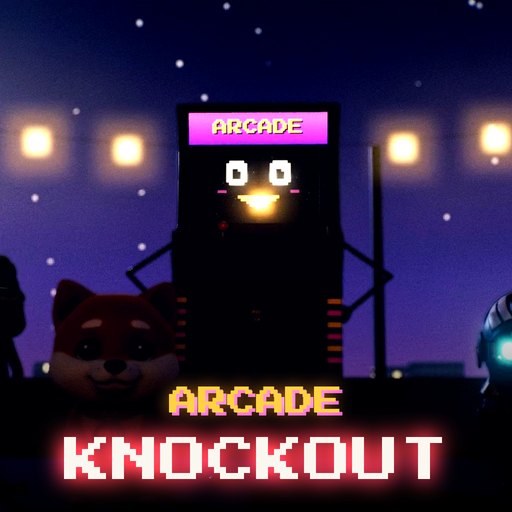 Fighting · 1 to 4 players
ARCADE Knockout
A platform fighter for up to four players. Pick one of six ARCADE mascots, rack up damage and knock your rivals off the stage.
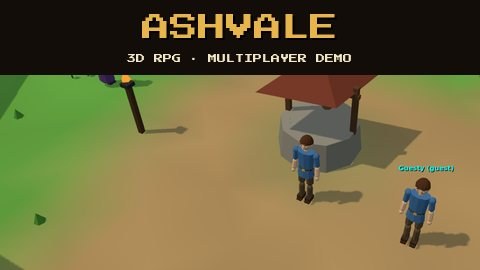 RPG · Solo or online
ASHVALE
A 3D role-playing game, solo or online, on a whole planet of villages, camps and dungeons. It keeps growing with new releases.
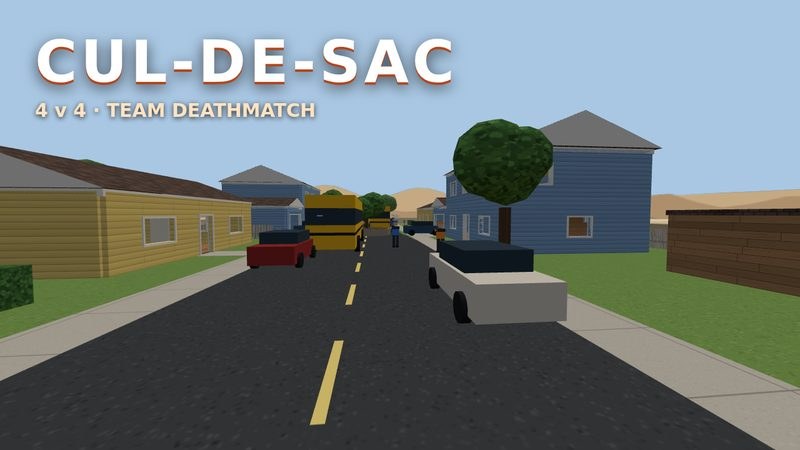 Shooter · 2 to 8 players
CUL-DE-SAC
Team deathmatch, 4 v 4, on an original suburban street. It's played straight from player to player, with no game server in the middle.
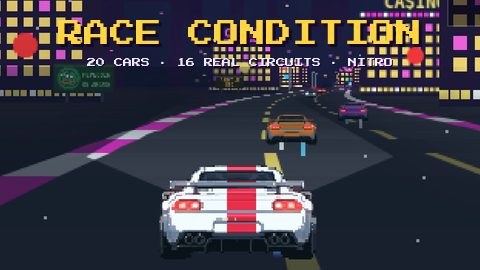 Racing · 1 player
RACE CONDITION
A retro racer: 20 cars, 16 real circuits at real scale, and a world tour to win.
 Action · 2 to 8 players
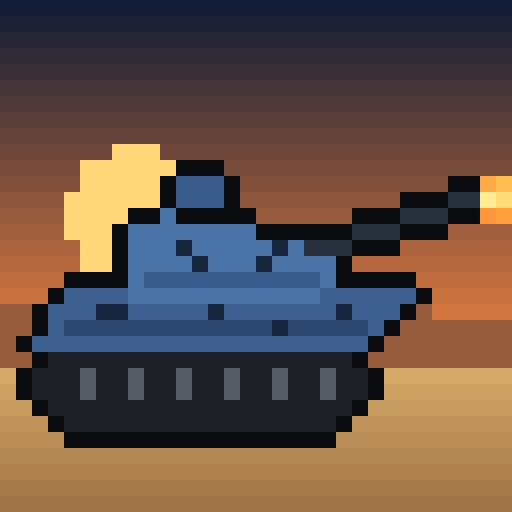
Tank Simulator
M1A1 tanks, 4 v 4, on a desert valley made from a seed. Play deathmatch to ten kills, or capture the flag.
 Shooter · 1 player
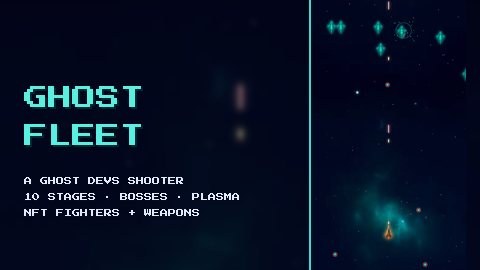
GHOST FLEET
A vertical space shooter by the Ghost Devs: 10 stages, bosses, rewards and pilot upgrades.
How to play
Right now, in your browser: sign in or make a free account on this site, then press Play. Your account is a wallet and an @handle on Pepecoin's test network, where coins have no value. Or install ARCADE and play on your own PC:
- Install ARCADE and set it up. One command on Linux, or a Setup.exe on Windows. Then make a wallet and claim your @handle: that's who you are in every game. It's free: install it.
- Open Apps and pick the Games category.
- Install the game. One click. It opens in its own window, and it asks before it uses anything of yours.
- Play. Invite friends from your address book, or join a room. New versions arrive by themselves.
Multiplayer with no game server
ARCADE has no game servers. Multiplayer games open rooms over the mesh, and a fast lane between arcades carries the real-time play straight from player to player. There's no company in the middle to shut a game down. Games are published on chain, so every arcade's App Store has the same games.
Games can also use what ARCADE already has: voice and video in rooms, prize pools on chain with a referee, and trading between players. More about the App Store.
Which chain the games live on
Testing started on Pepecoin's test network. It's light, and we didn't want to bloat a main chain with our testing. Since then ARCADE has moved up to its own chain, the ARCADE chain, and games are published there now.
We chose not to add weight to other communities' main chains. Instead, we encourage every arcade operator to add quality content to their favourite chains, as they see fit.
Make your own game
A game is an HTML page. Publish it once, and every arcade's App Store shows it, with your @handle on it. GEM DROP, a tiny 3D starter in the App Store, shows how to load three.js on the arcade with one import line, and every step of its source is commented.