Apps and themes
Apps, games and looks
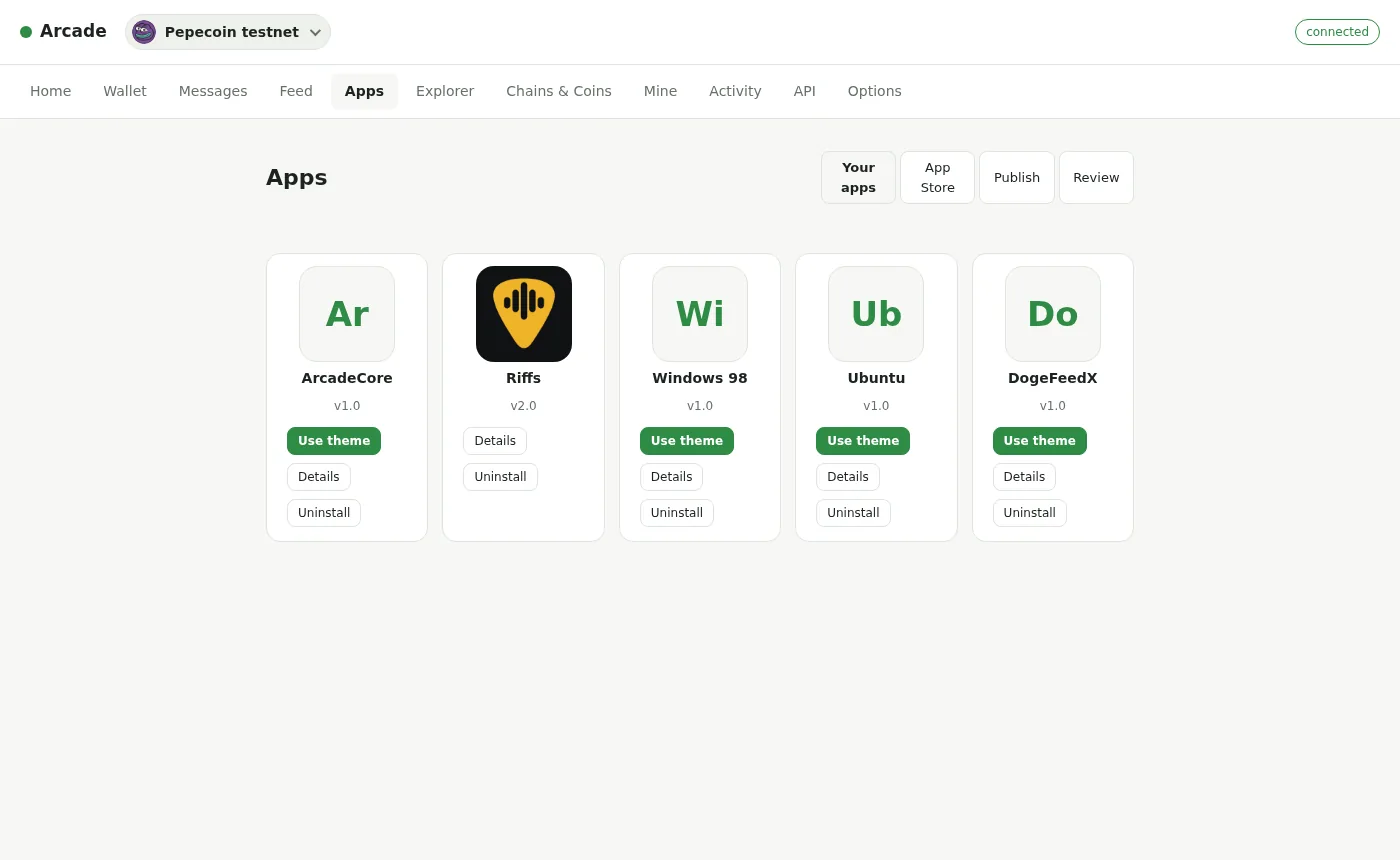
An app published on chain appears in every arcade's App Store. Install it in one click, and it opens in its own window, asking before it uses anything of yours.
The App Store
Swipe sideways to see the whole diagram.
Published on chain
An app is an inscribed page with an app card. Every arcade reads the cards from every chain it keeps, so a published app shows up everywhere at once, and always opens its author's newest version.
Popular, new, starred
Sort by what people like and discuss, or by what's new. Star the ones you love and they come first. Likes, comments and tips count for an app across all its versions.
Sandboxed, with switches
Each app runs in its own window and gets only what you switch on for it: wallet requests, contacts, groups, media, pictures and notifications.
No copycats
A card that looks like another creator's earlier app is held back until the arcade's operator clears it.
The App Store sorts into categories (games, apps, social, node modules and themes), and every app takes 1-to-5-star ratings with reviews.
Themes
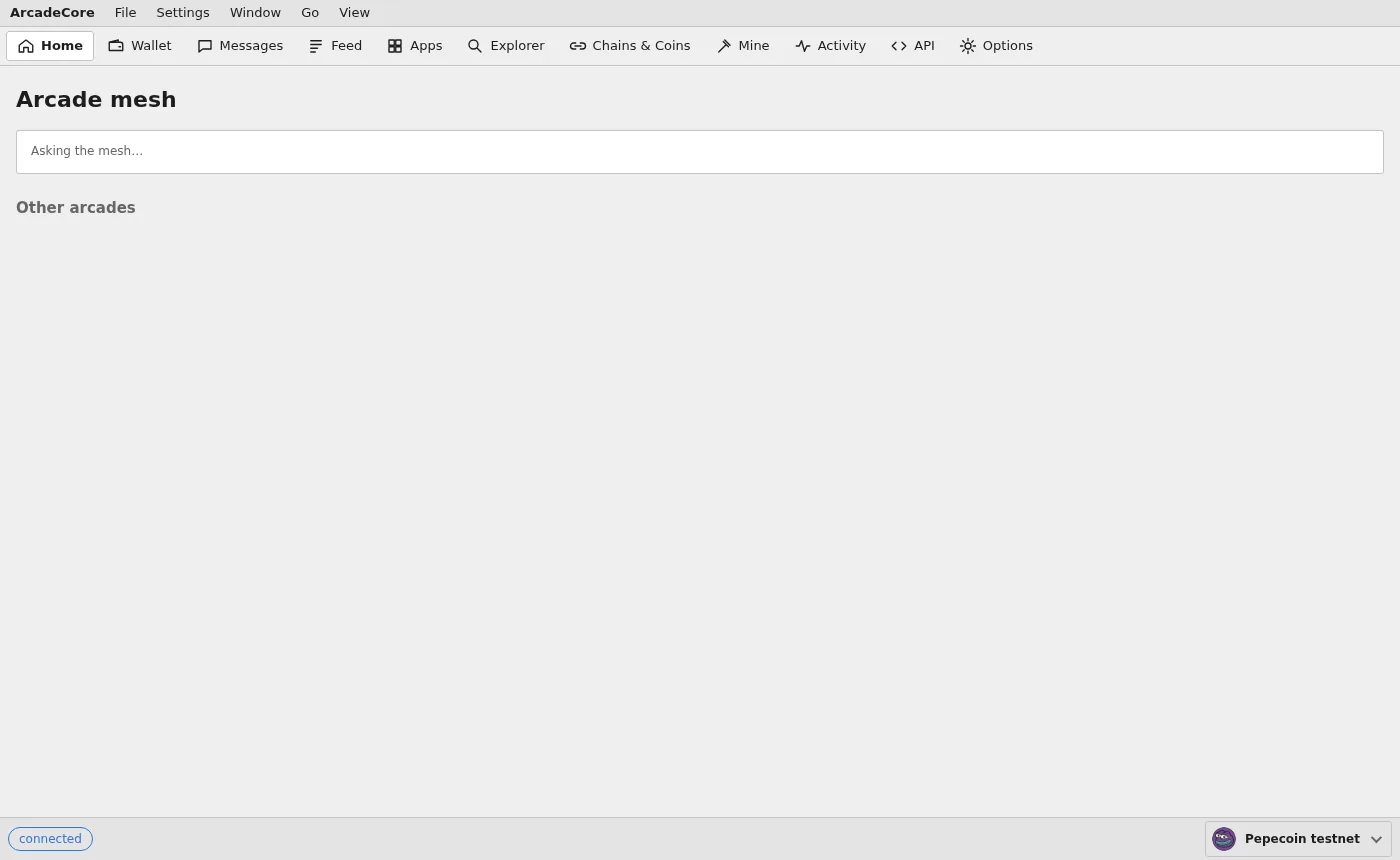
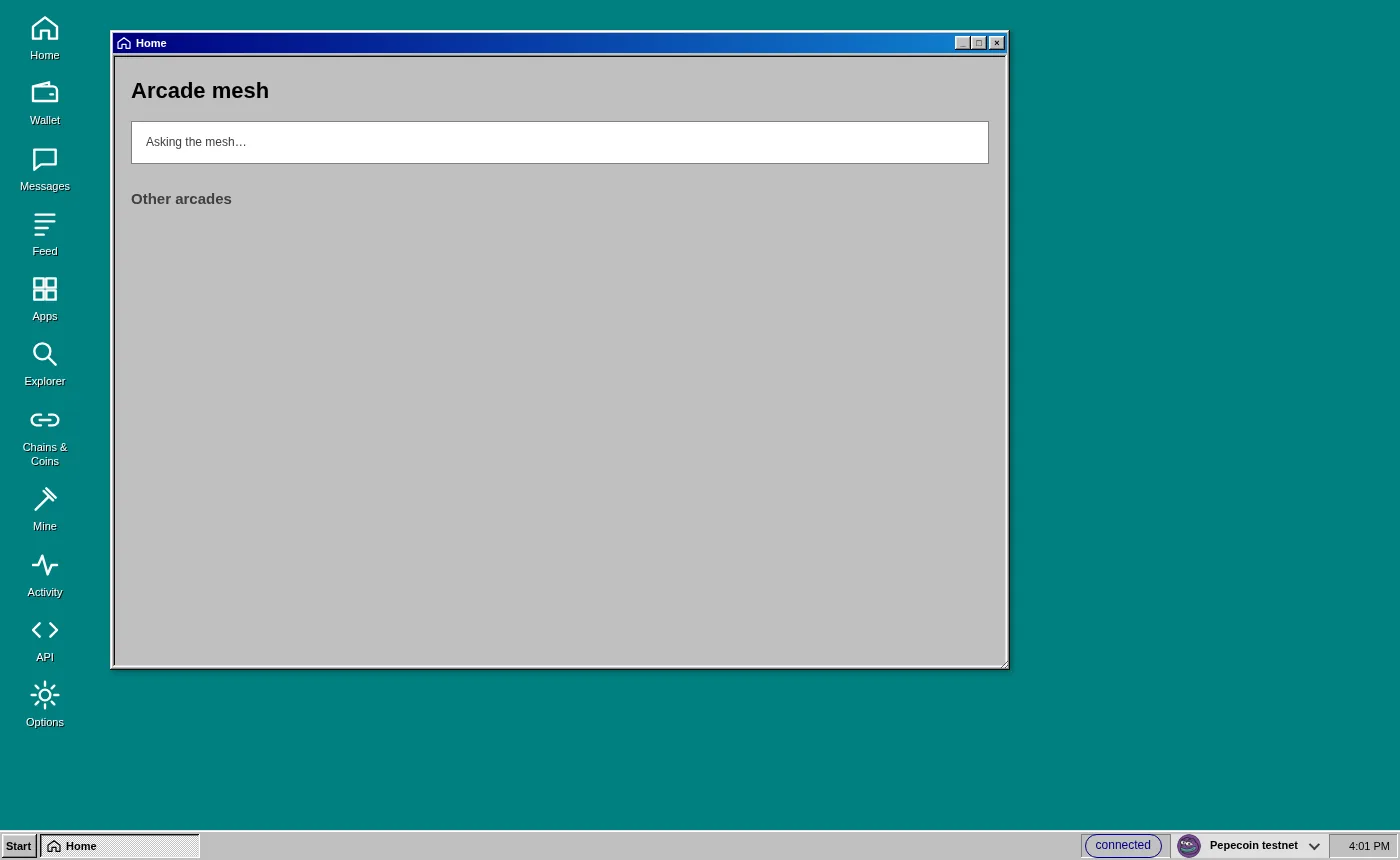
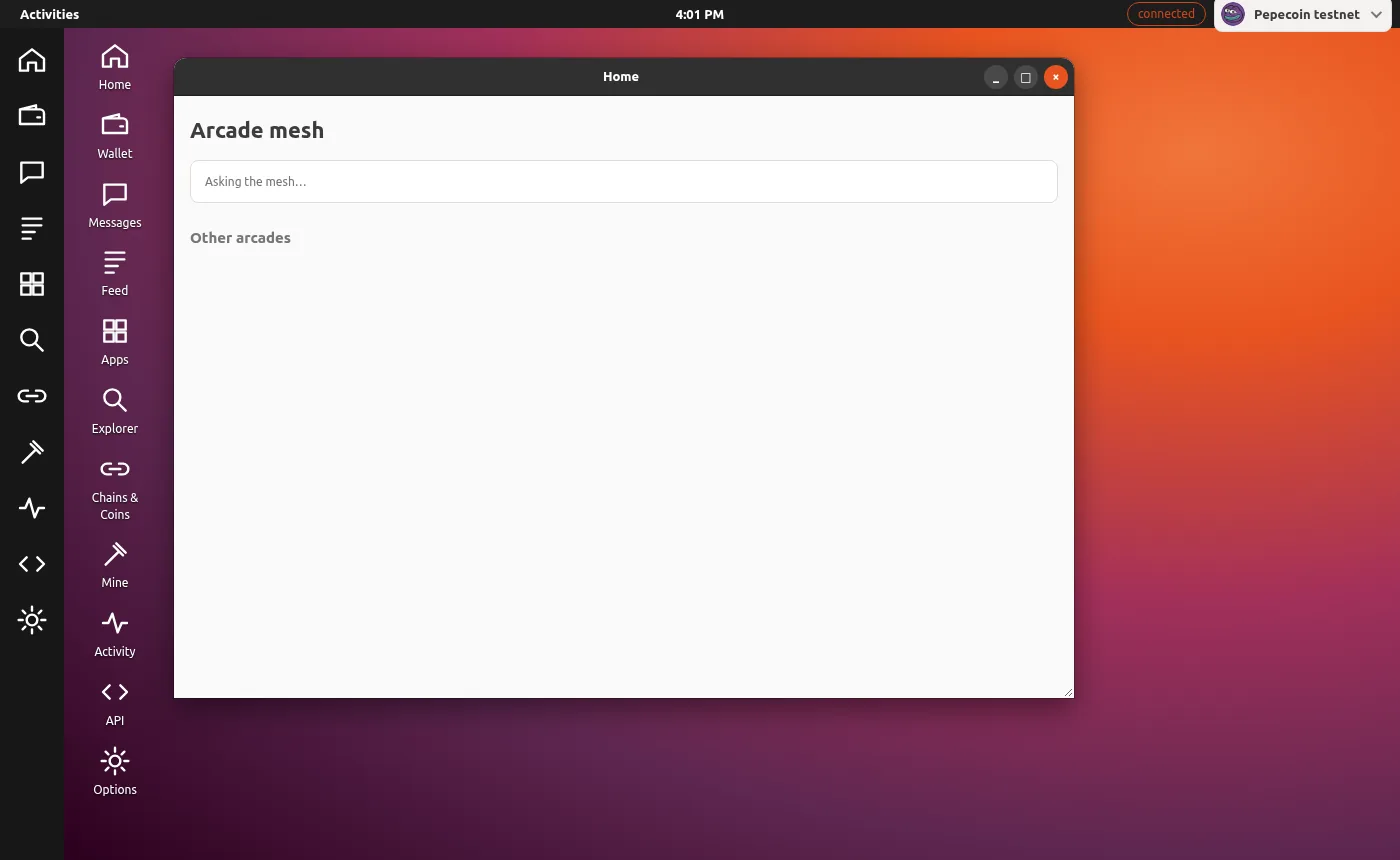
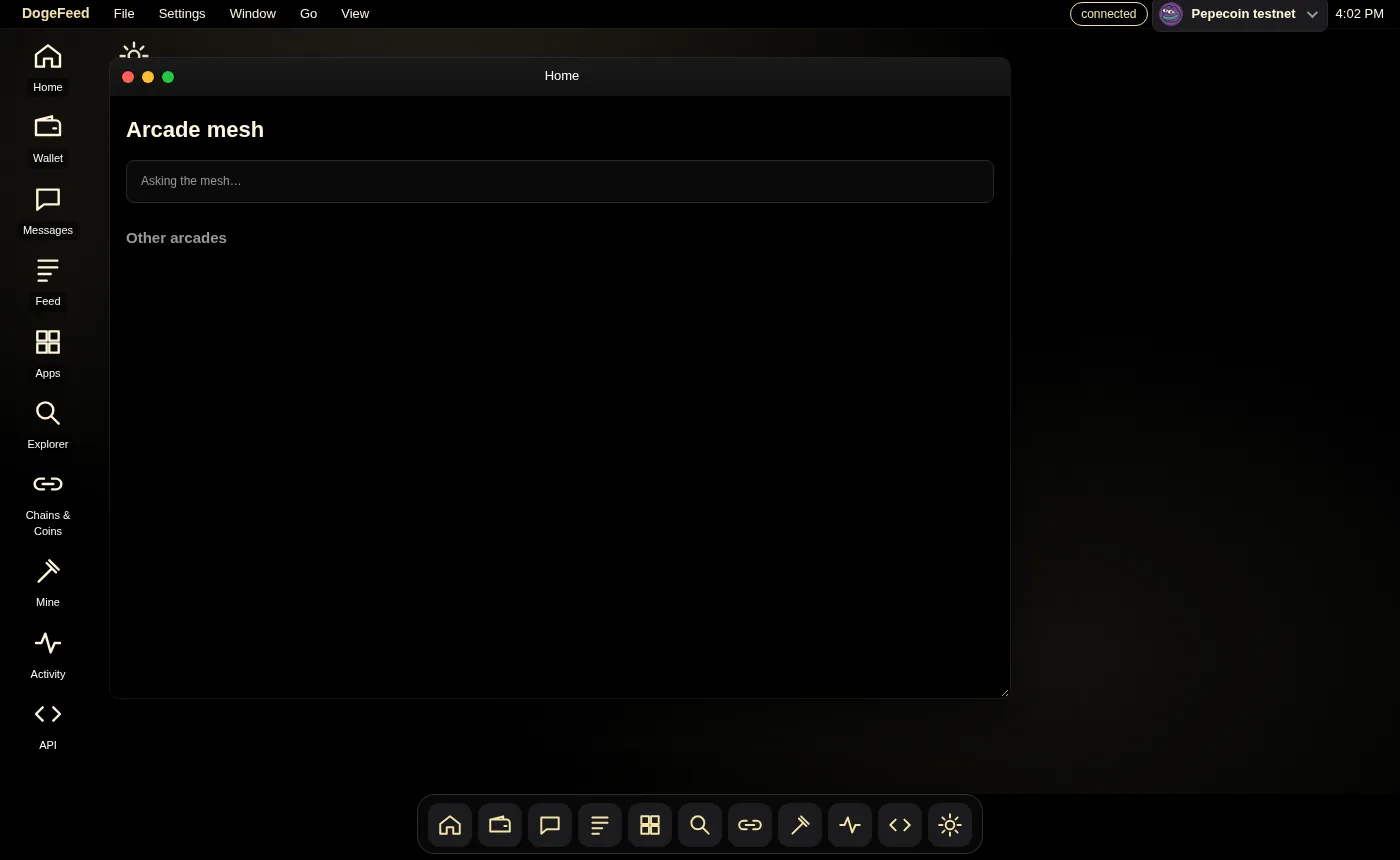
A theme is an app from the App Store's Themes category that changes how ARCADE looks and is laid out, never what it does. Get one from the Themes category, then wear it with a click; change it again from the View menu, the Start menu or Options.
Swipe sideways to see the whole diagram.
Swipe sideways to see the whole diagram.
Swipe sideways to see the whole diagram.
Swipe sideways to see the whole diagram.
Every theme is checked before it's worn: its text must stand out from its backgrounds, and its style can only reach the frame around your screens, never an address, an amount or a confirmation. Desktop themes fit any window size: on a phone-sized or half-screen window, every window fills the desk.
The Explorer
Overview, blocks, the mempool, inscriptions, collections, tokens, names, maps, DogeFeed and the arcade ledger, on any chain you keep or borrow. Inscriptions sort by type: images, SVG, text, HTML, JSON, audio, video and 3D. One search box takes a block, a transaction, an address, an @handle, an inscription, a token or a name. Apps can use the same Explorer.
People
Feed
Public posts with channels, replies, likes, shares, edits and attached files, signed with your @handle. Tip a post in any coin.
Messages
Private messages and groups, each sealed on chain to the people it's for, so they come back when you restore your twelve words. ARCADE Legacy accounts read and reply.
Rooms and calls
Rooms over the mesh for apps and games, a fast lane between arcades for real-time play, calls with camera and microphone, and ARCADE's own media relay, with no outside company.
Prize pools and trades
Games can pay out from prize pools on chain, with a referee if they want one, and players trade inscriptions, tokens and coins with each other.
Make your own
Publishing an app or a theme is a few fields and one inscription, from the Apps tab. Build with ARCADE.